Browse every storage
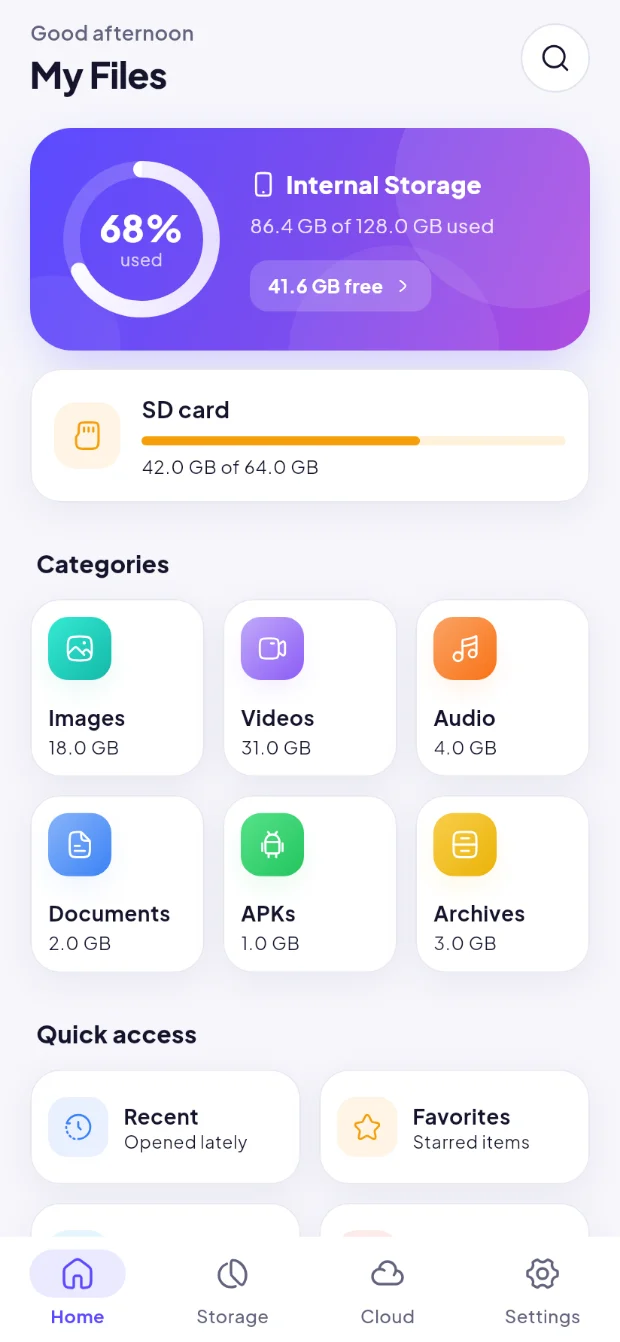
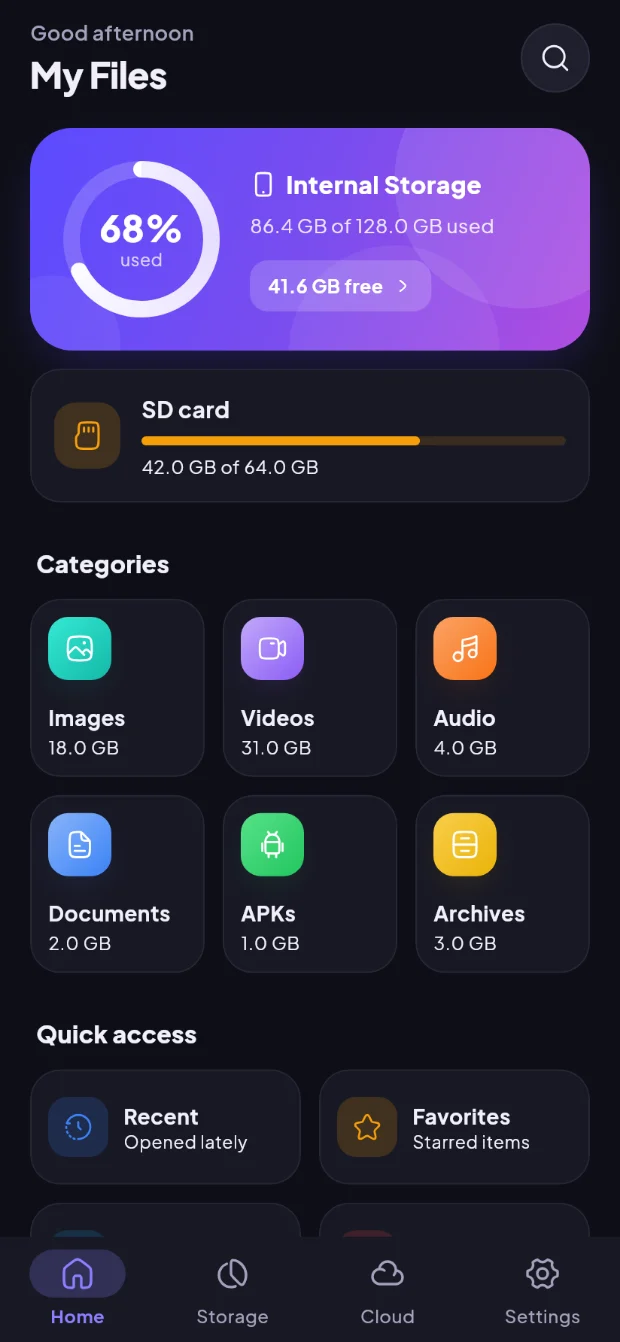
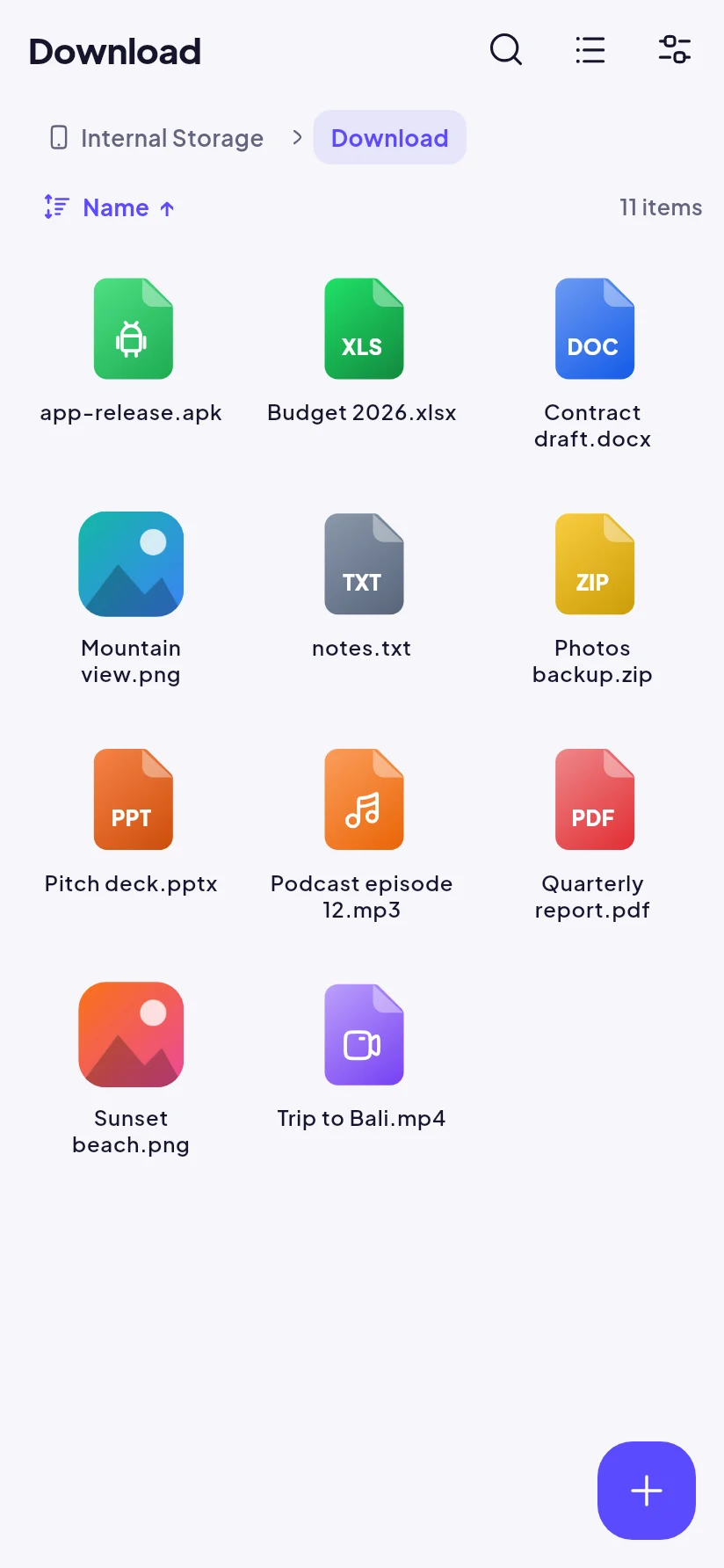
Internal storage, SD card and USB OTG in one browser. List or grid with real thumbnails, clickable breadcrumbs, multi-select, pull to refresh, and copy or move with keep both / replace / skip.
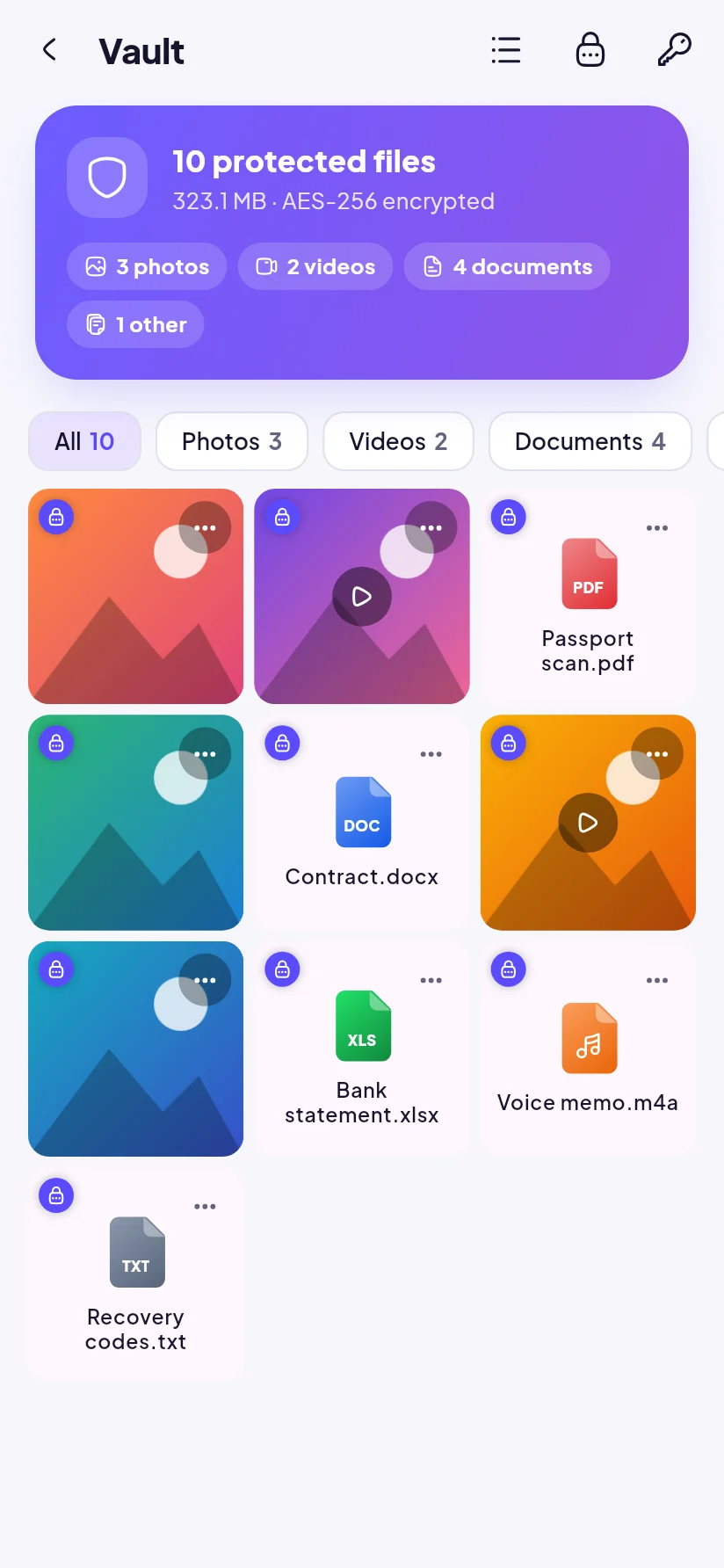
File Manager brings your phone storage, SD card, USB drives, Google Drive and home servers together — with an encrypted Vault, a Recycle Bin that saves you from mistakes, and editors for photos, videos and code.
Fast where it matters, careful where your data is at stake. Every screen shares the same safe actions: copy, move, rename, share, zip, favourite and delete — with progress and clear choices when names clash.
Internal storage, SD card and USB OTG in one browser. List or grid with real thumbnails, clickable breadcrumbs, multi-select, pull to refresh, and copy or move with keep both / replace / skip.
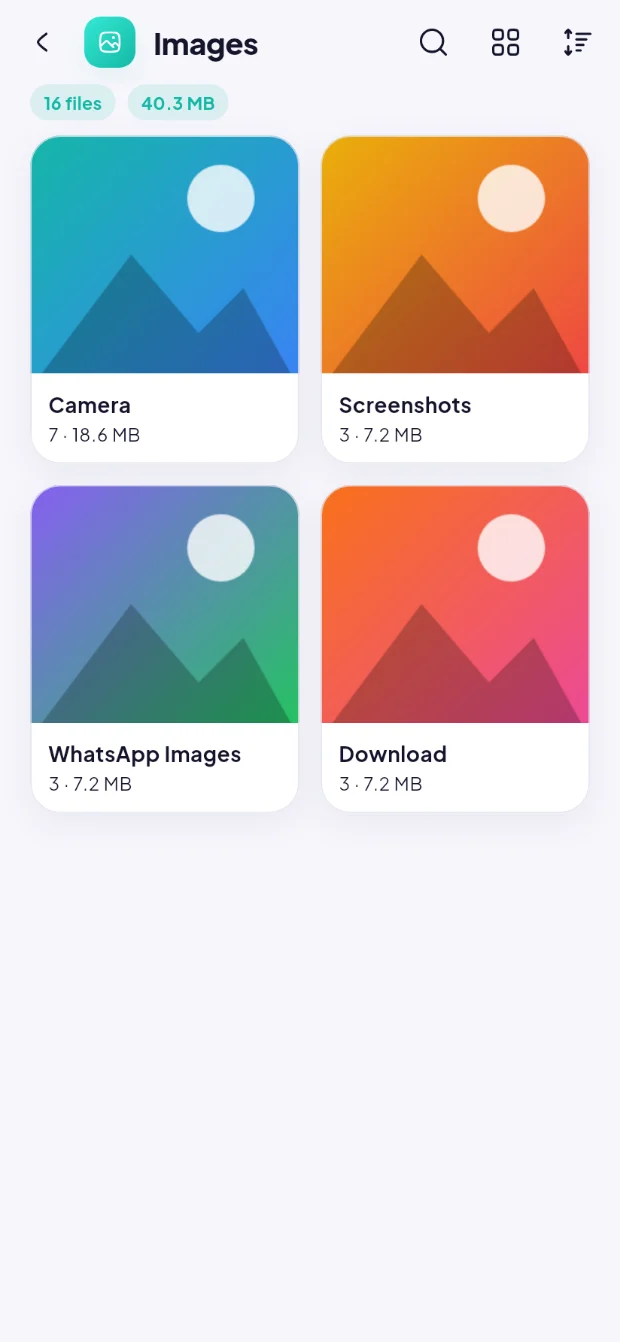
Images, videos, audio, documents, APKs and archives appear instantly from Android's media index — then browse each category folder by folder, like albums.
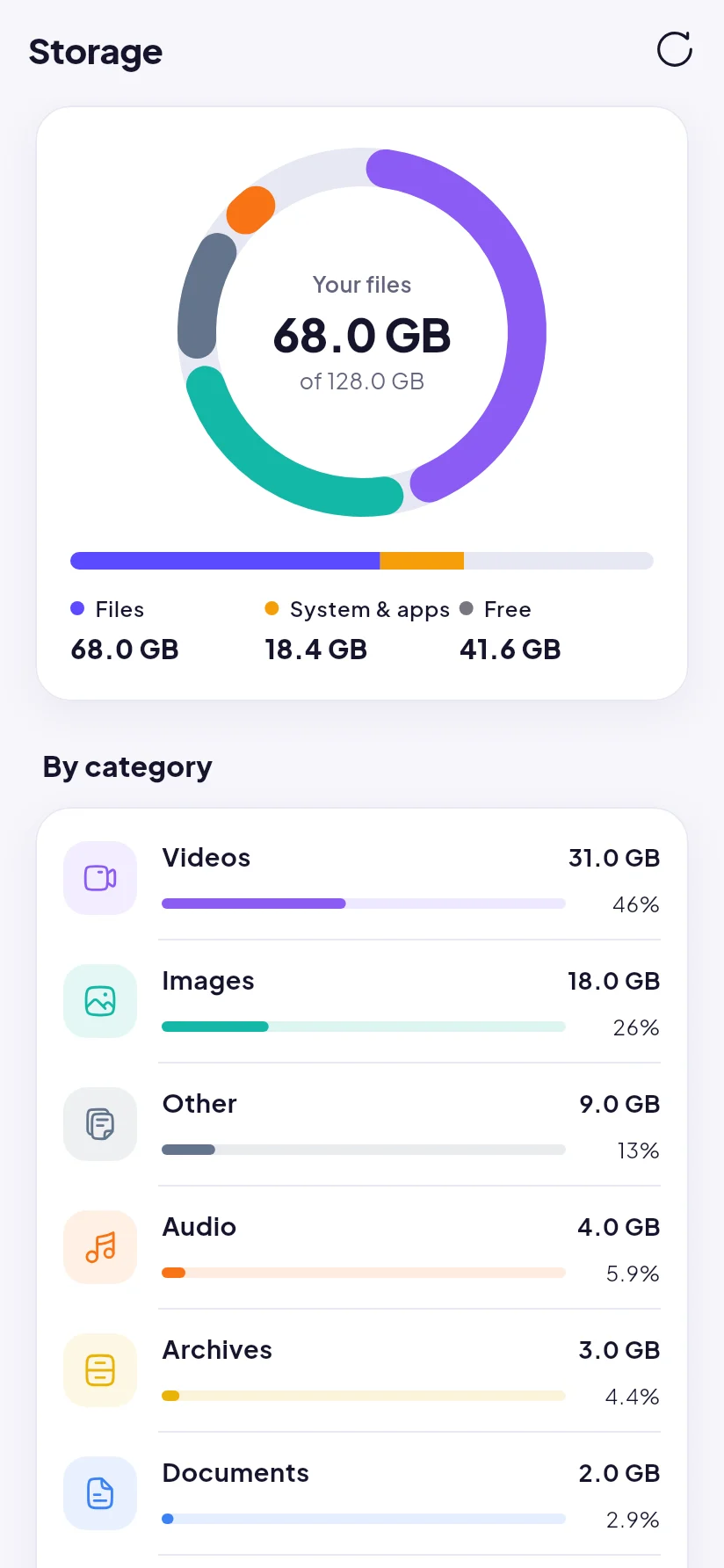
The real capacity of every volume, split by category, system & apps, and free space.
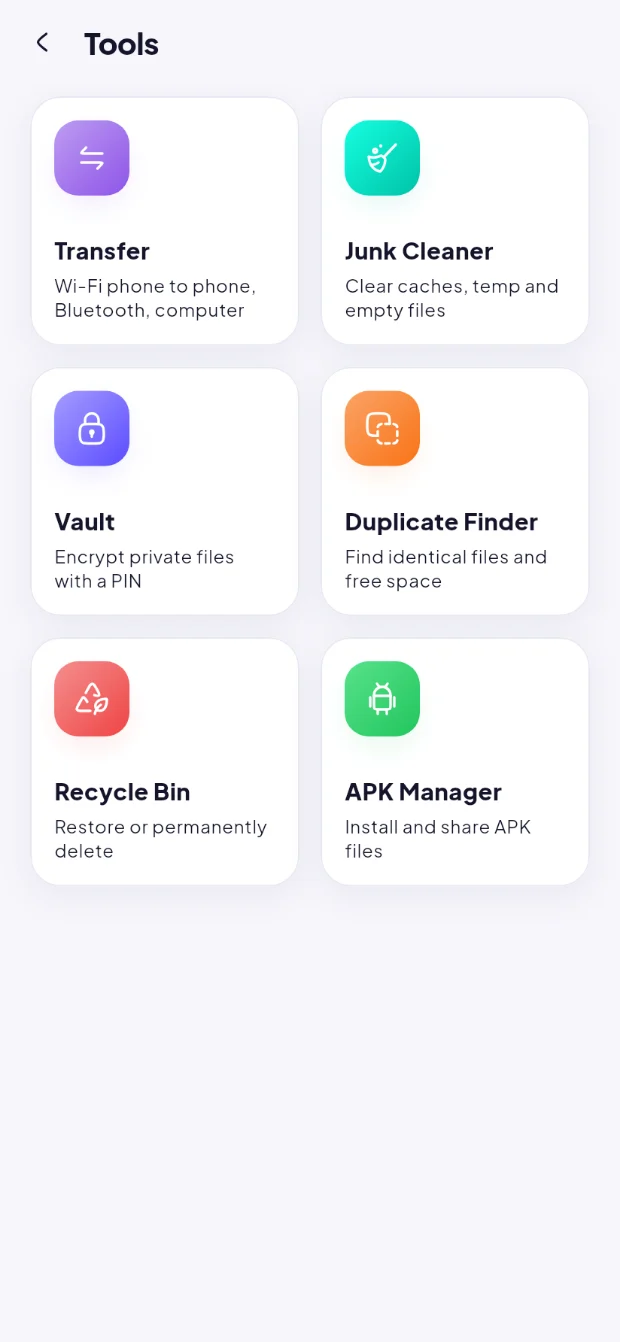
Deleted files and folders wait on the same drive and restore to where they were — even after a reinstall.
Matches files by full content (SHA-1), never by name, and always keeps one copy.
Thumbnail caches, temp files, logs and empty files — found in seconds.
Real icons, names and versions, with installed / update status.
Compress and extract zip, tar, tar.gz, bz2 and xz in the background.
Search your whole phone or just "this folder and its subfolders", filter by type, sort, and pick up from your search history.
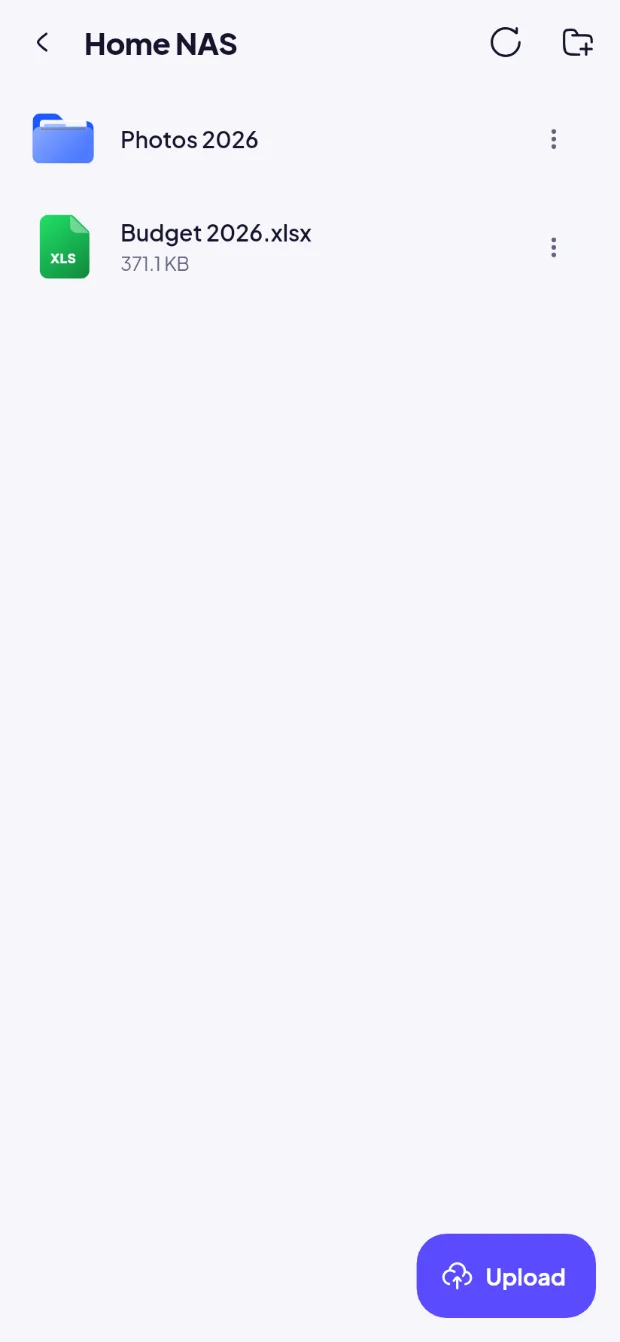
Windows shares and NAS (SMB 2/3), SFTP, FTP/FTPS and WebDAV (Nextcloud, ownCloud). Open, edit and save files right on the server; passwords stay encrypted on your phone.
Connect Google Drive or your own server and manage those files with the same browser, the same actions and the same care as the files on your phone.
Using more than one Google account? Each one gets its own Drive view, and you can optionally see them together in one combined view.
A file manager can delete your memories with one wrong tap. File Manager is built the other way around: safe by default, permanent only when you say so twice.
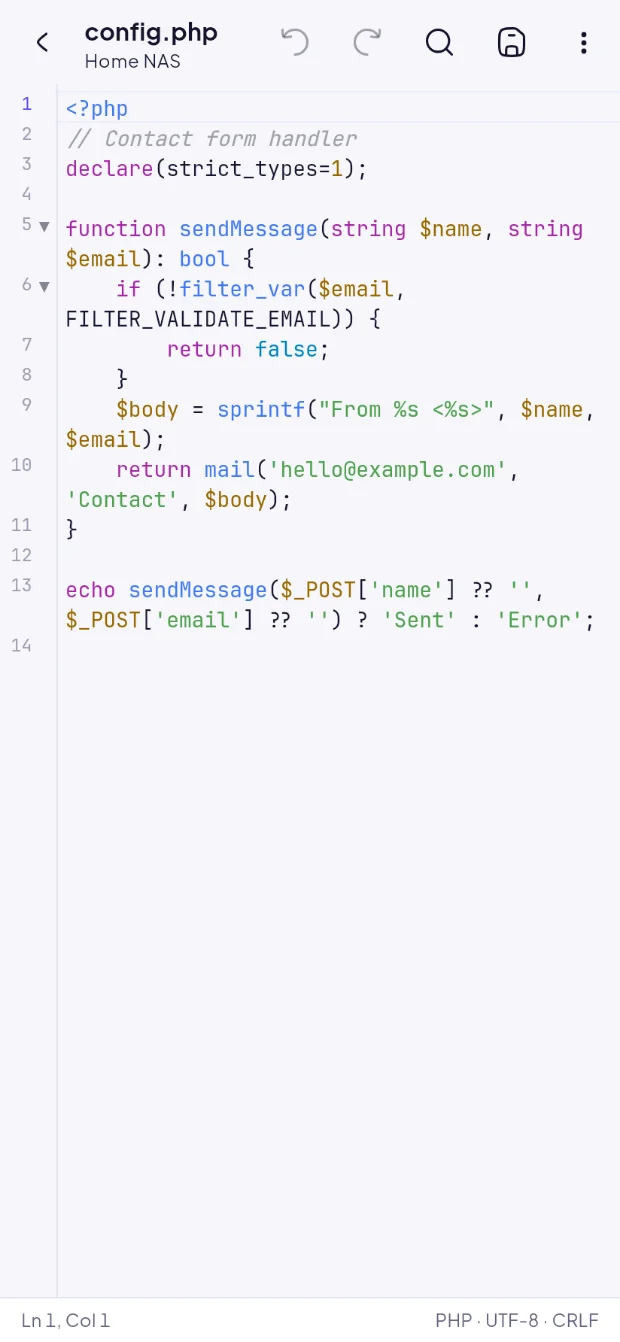
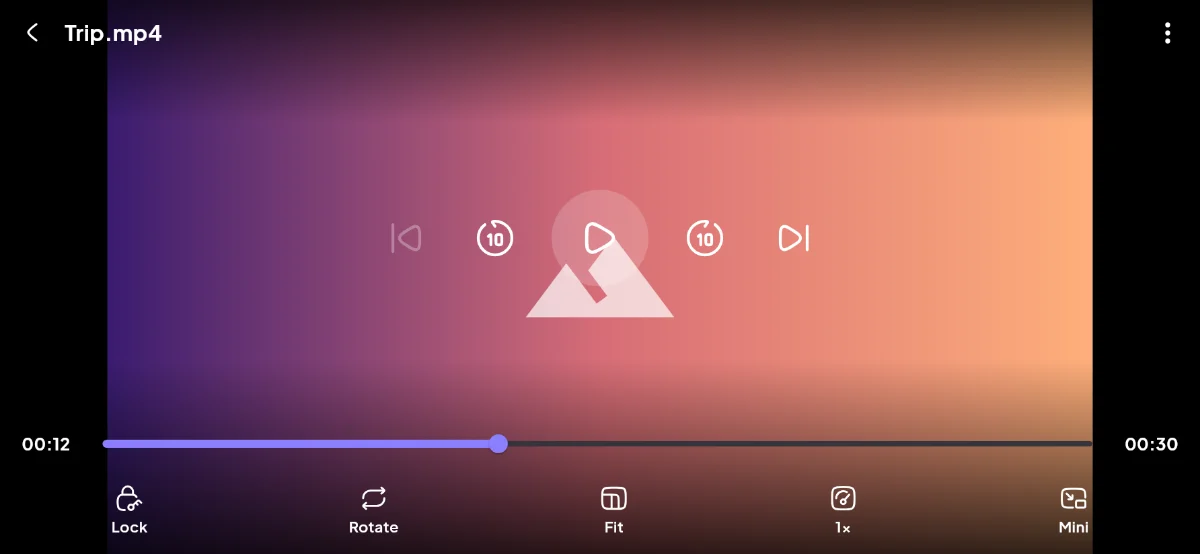
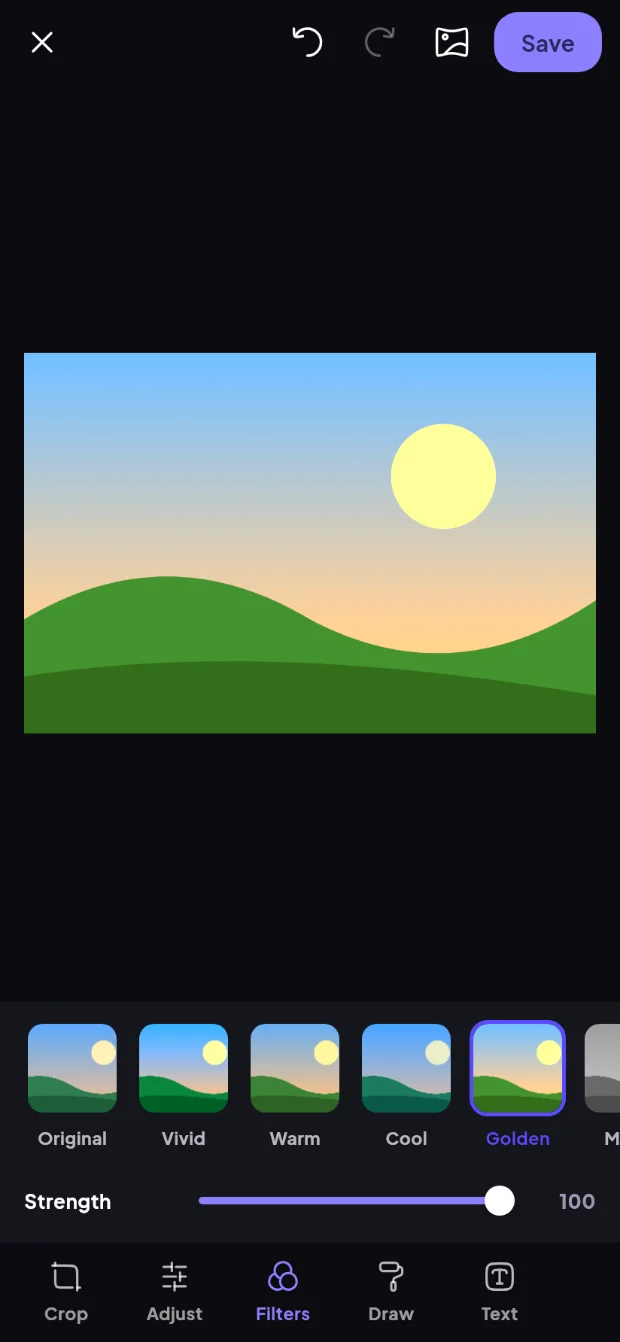
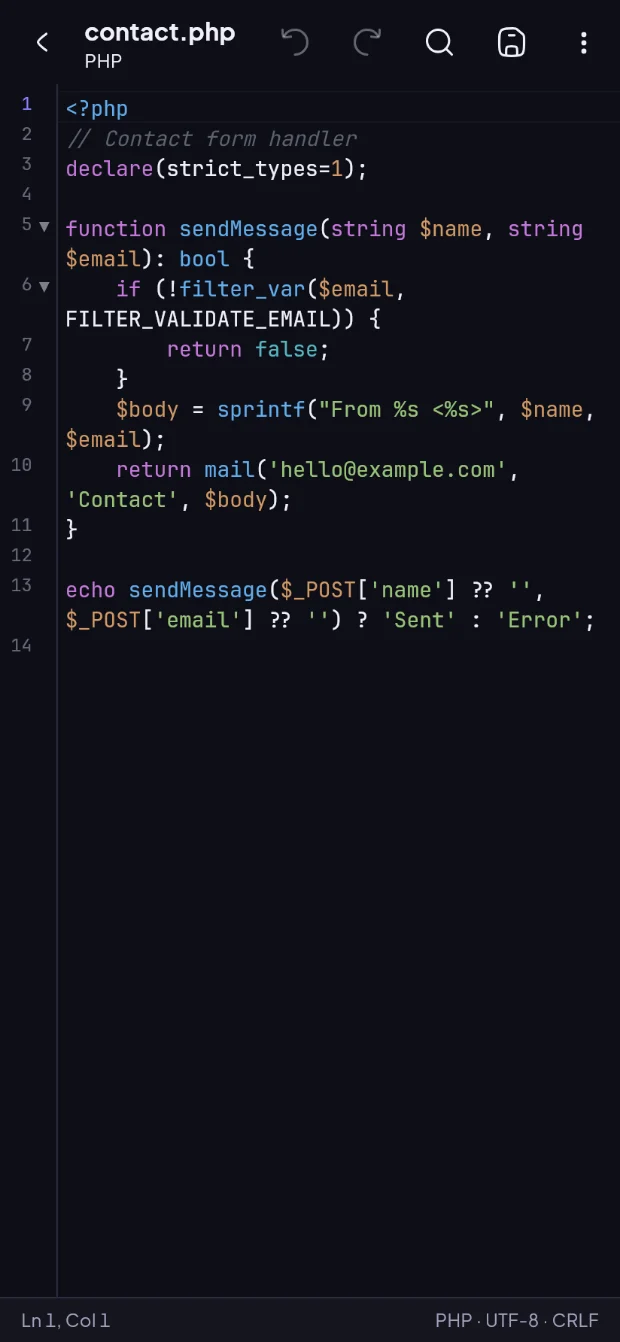
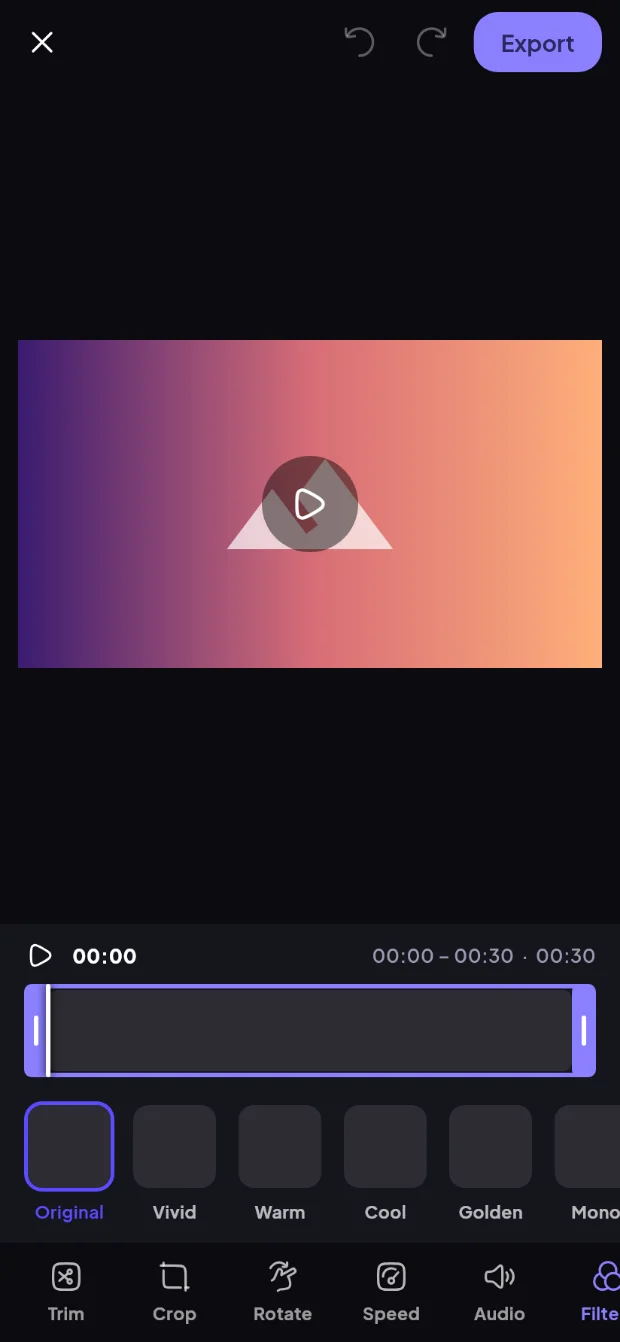
A real video player, a photo editor, a video editor and a code editor — built in, so your files don't need five different apps.
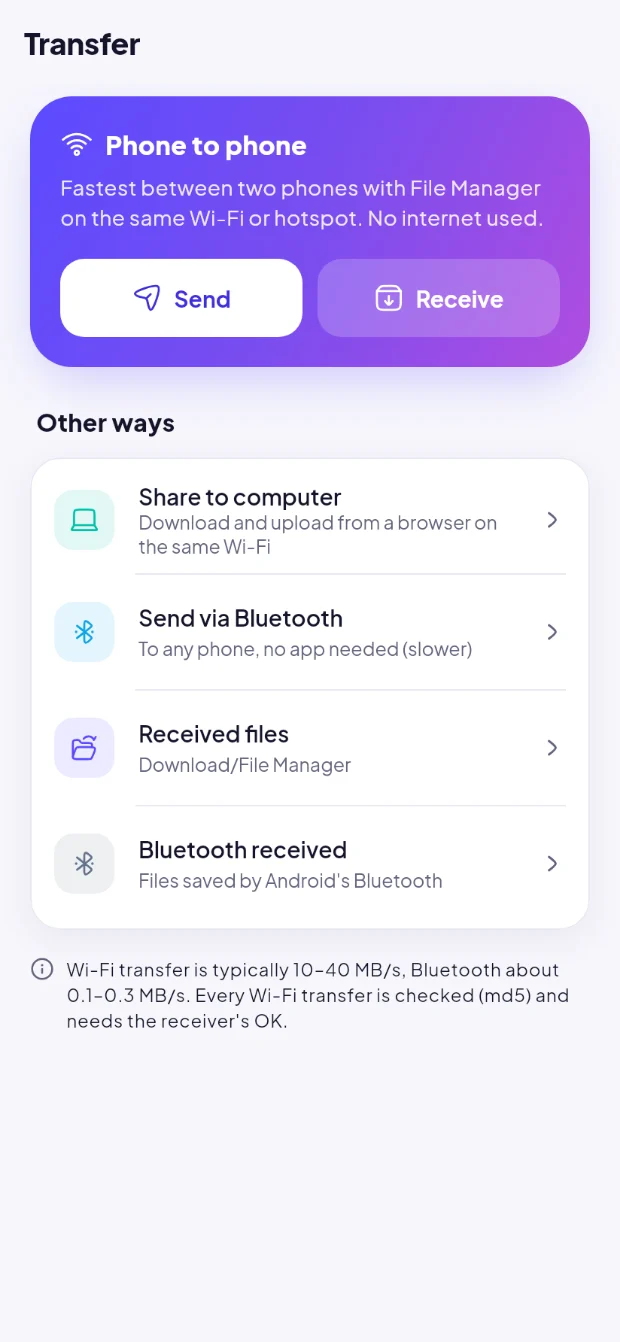
No cables and no internet quota. Phones find each other automatically on the same Wi-Fi or hotspot, and the receiver always approves first.
Material 3, a hand-picked icon set, illustrated empty states and the Plus Jakarta Sans typeface — in light and dark mode.


File Manager has no account system and no server of its own for your files. Everything happens on your phone, or directly between your phone and the services you connect.
Browsing, search, the Vault, the Recycle Bin and all editors run locally. No file content or file names are sent to Sigarda.
When you connect Google Drive, the app talks straight to Google's servers with a token kept only in memory. Nothing is relayed or stored elsewhere.
Remove an account in the app, or revoke access at any time from your Google Account's security page.
When you choose Cloud → Add account, Google asks you to allow File Manager to "See, edit, create and delete all of your Google Drive files" (https://www.googleapis.com/auth/drive). File Manager needs this full access because it is a file manager for your whole Drive, not only for files it created itself. We use it only to:
Your Drive data is never sent to Sigarda, never sold, never used for advertising, and never used to train AI models. Full details are in our Privacy Policy.
File Manager's use and transfer to any other app of information received from Google APIs will adhere to the Google API Services User Data Policy, including the Limited Use requirements.
Yes. File Manager is free and shows a small number of native ads inside long lists and at the bottom of some pages. Ads never appear in the Vault, the editors, the media player, during transfers, or in tools with delete checkboxes.
On Android 11 and newer, a file manager needs this permission to show, copy, move and delete files in every folder — not just photos and videos. It is used only to manage files on your device when you ask it to.
Full Google Drive access (auth/drive), so you can browse and manage all of your Drive files — including ones created on the web or by other apps. The permission is only requested when you add an account, and you can revoke it at any time.
No. File Manager has no file server. Local files stay on your phone; Drive files travel directly between your phone and Google; Wi-Fi transfers go directly between the two devices on your network.
Nothing. They are ordinary files in your Google Drive and stay there. File Manager only works on them while you use it.
In the app, open Cloud, tap the menu next to the account and choose Remove. You can also revoke File Manager's access at myaccount.google.com/connections. Your files in Drive are not deleted either way.
The Vault is truly encrypted, and the PIN is never stored or sent anywhere — so nobody, including us, can recover it. Keep your PIN somewhere safe.
Android 7.0 (Nougat) and newer on ARM devices, which covers practically every Android phone and tablet in use today. The app is available in English and Bahasa Indonesia.
Get File Manager free and take control of your phone, your SD card and your Google Drive.